



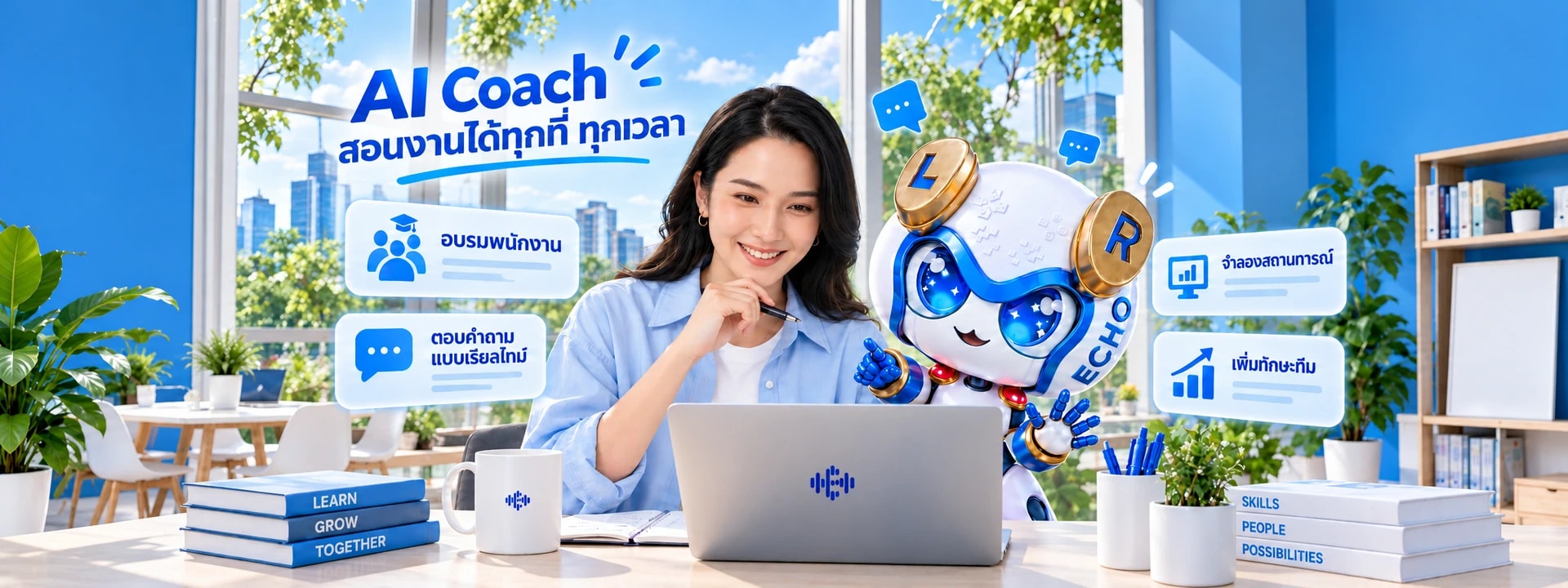

AI that speaks Thai for your team: outbound calls, inbound calls, chat and training in one system.
Thai businesses that use Echonic









A customer writes at two in the morning. The shop is closed, but they still want to know if the item is in stock.
Customers write in from anywhere.
It all lands in one inbox.
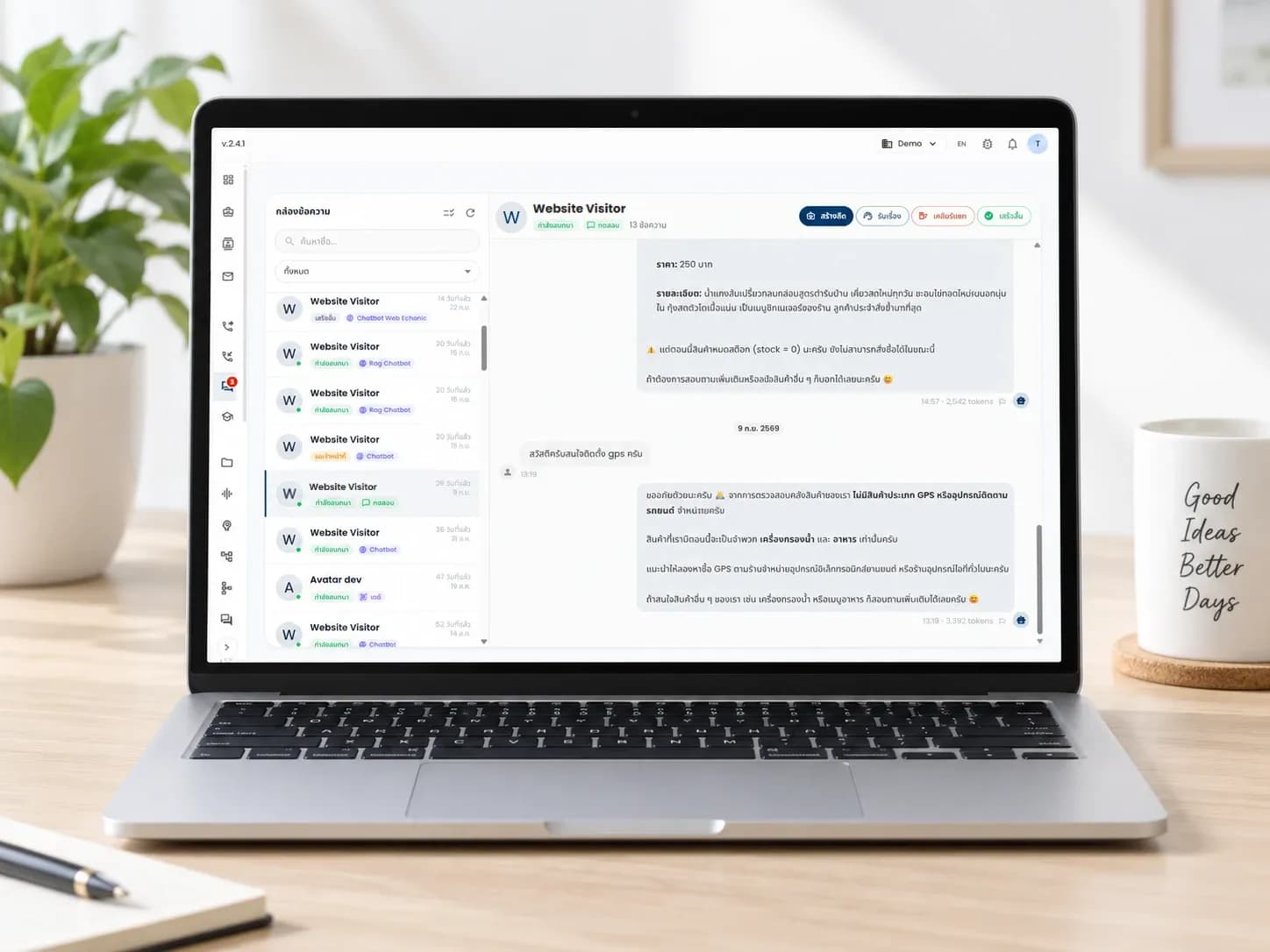
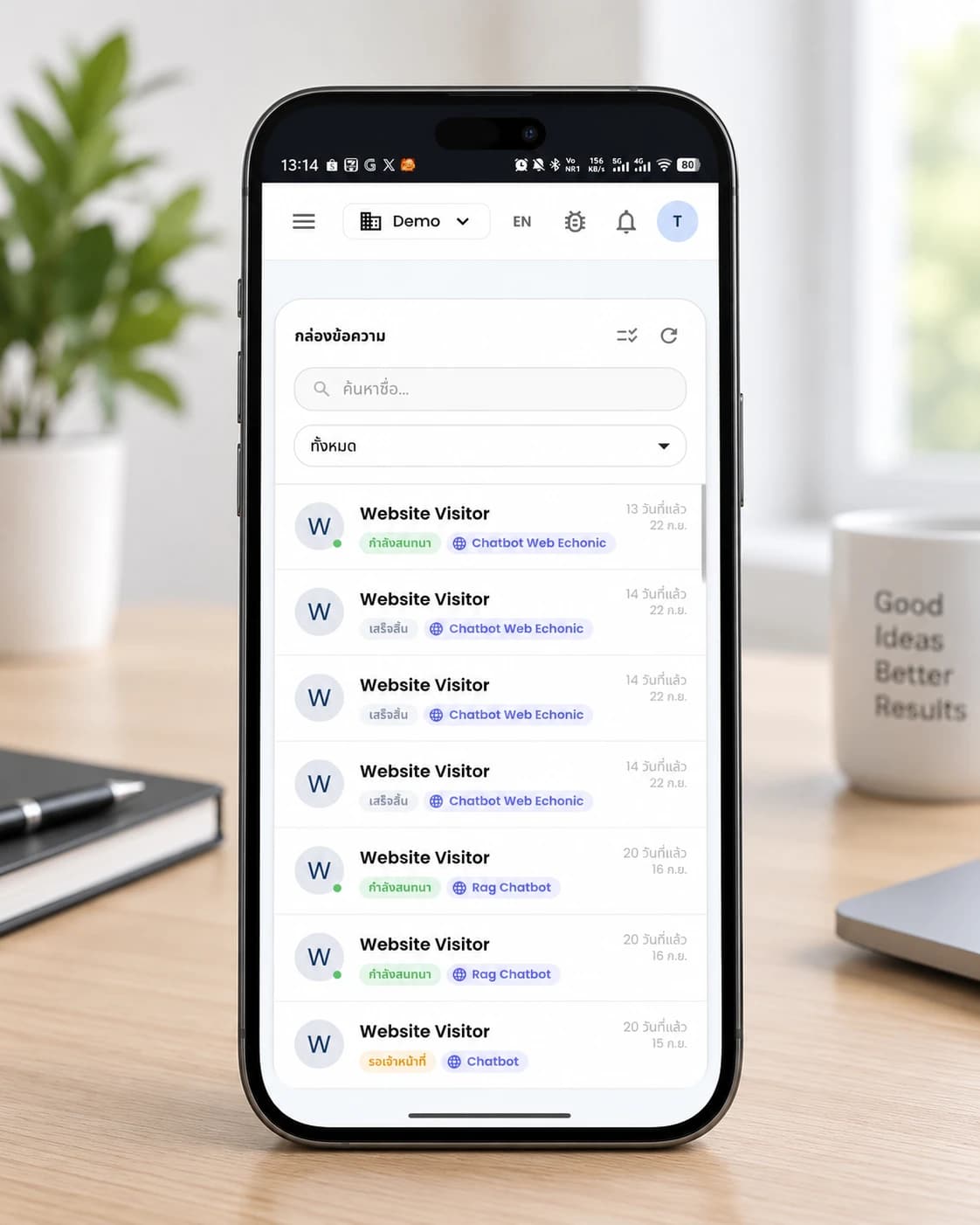
Messages from every channel land in one place, each chat with its status: in conversation, waiting for staff, or finished. The AI answers product and stock questions first. When someone wants a person, your team opens the same chat and carries on.
- LINE OA
- Messenger
- Shopee
- Lazada
- TikTok Shop
- Website chat
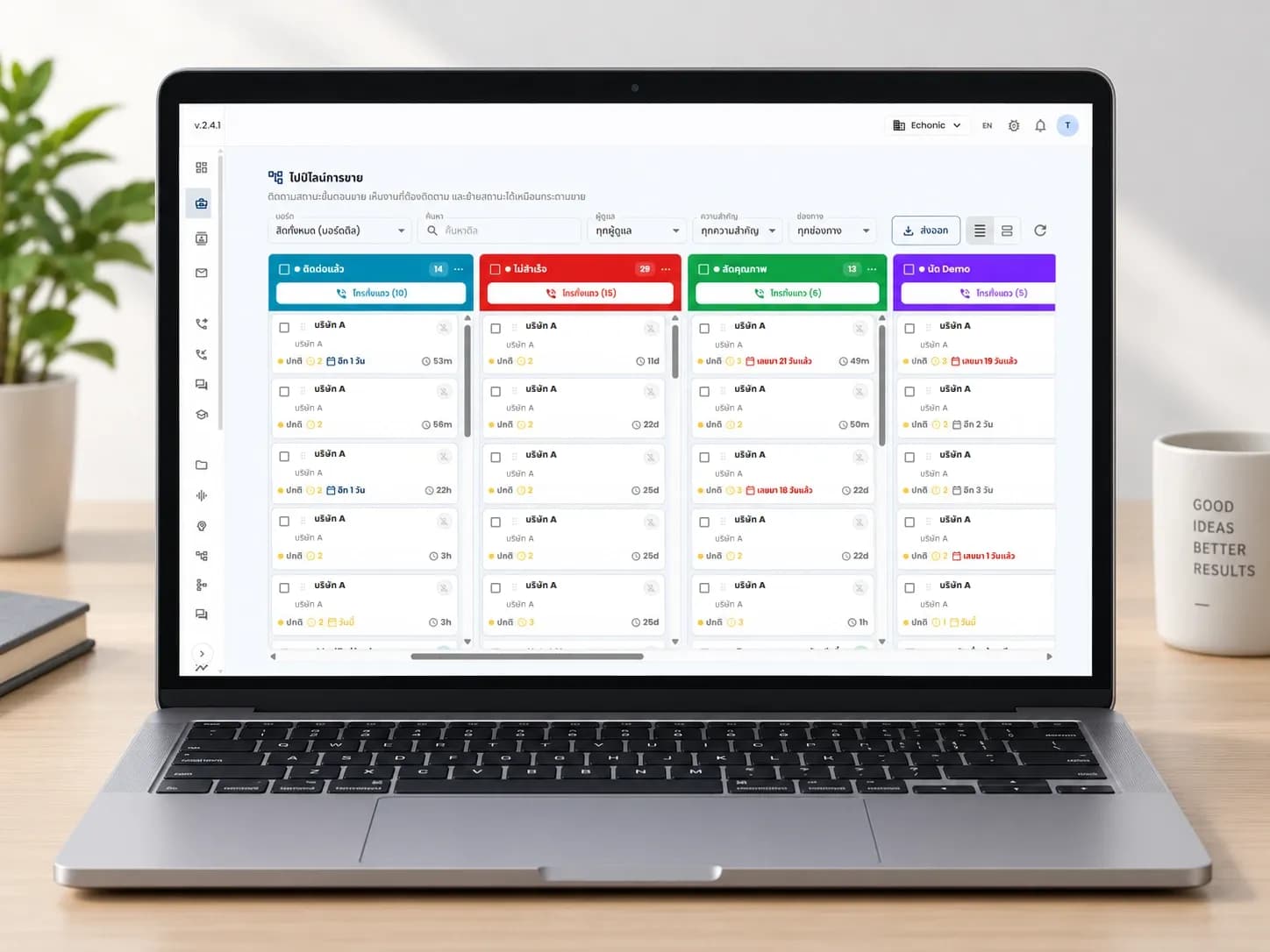
The sales lead opens the pipeline in the morning and sees right away which leads are due a follow-up.
Which stage is each lead in?
Who is due a follow-up?
The sales pipeline lines leads up by stage. Move a lead between columns like cards on a sales board. A lead past its follow-up date turns red, and a button on each column header sends the AI to call the whole column.
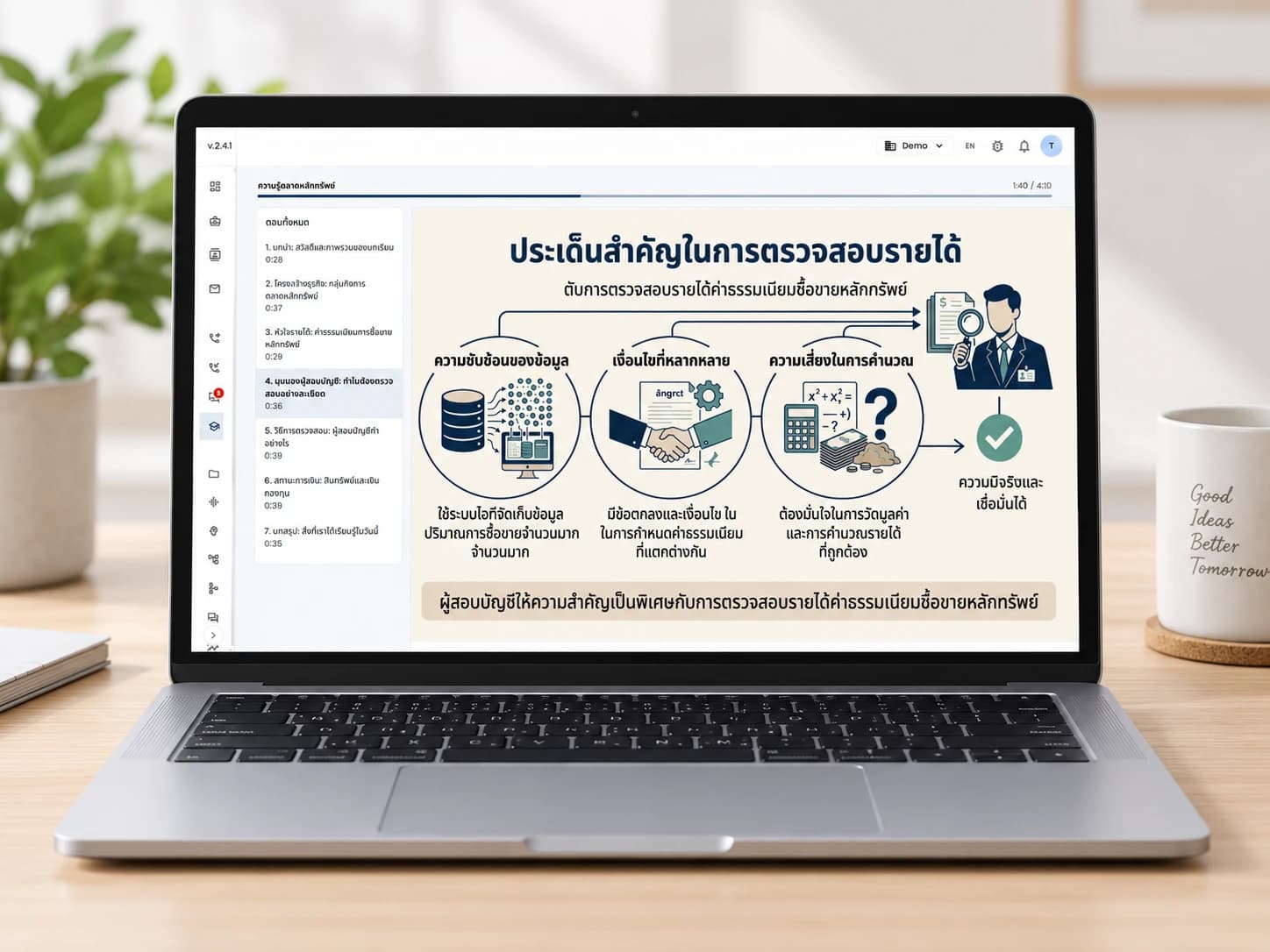
Before the real call, the sales team practises with a lesson the AI drafted.
The AI drafts the lesson.
You review it first.
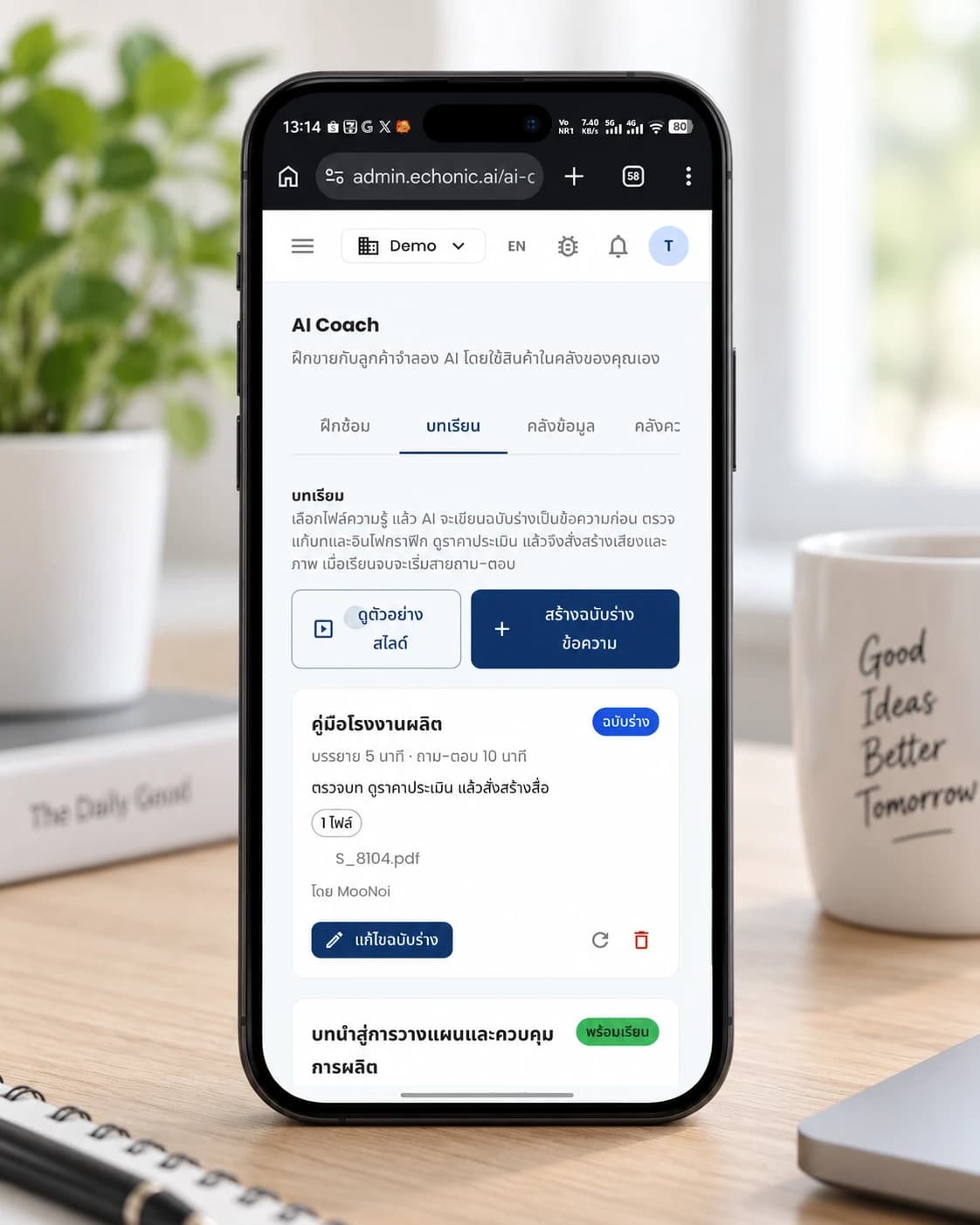
Pick a knowledge file and the AI writes the lesson as text. Your team can open it on a laptop or on a phone.
- Choose the file, the AI writes a draft as text
- Read and edit the draft before any voice or images are made
- When the lesson ends, a Q&A round starts
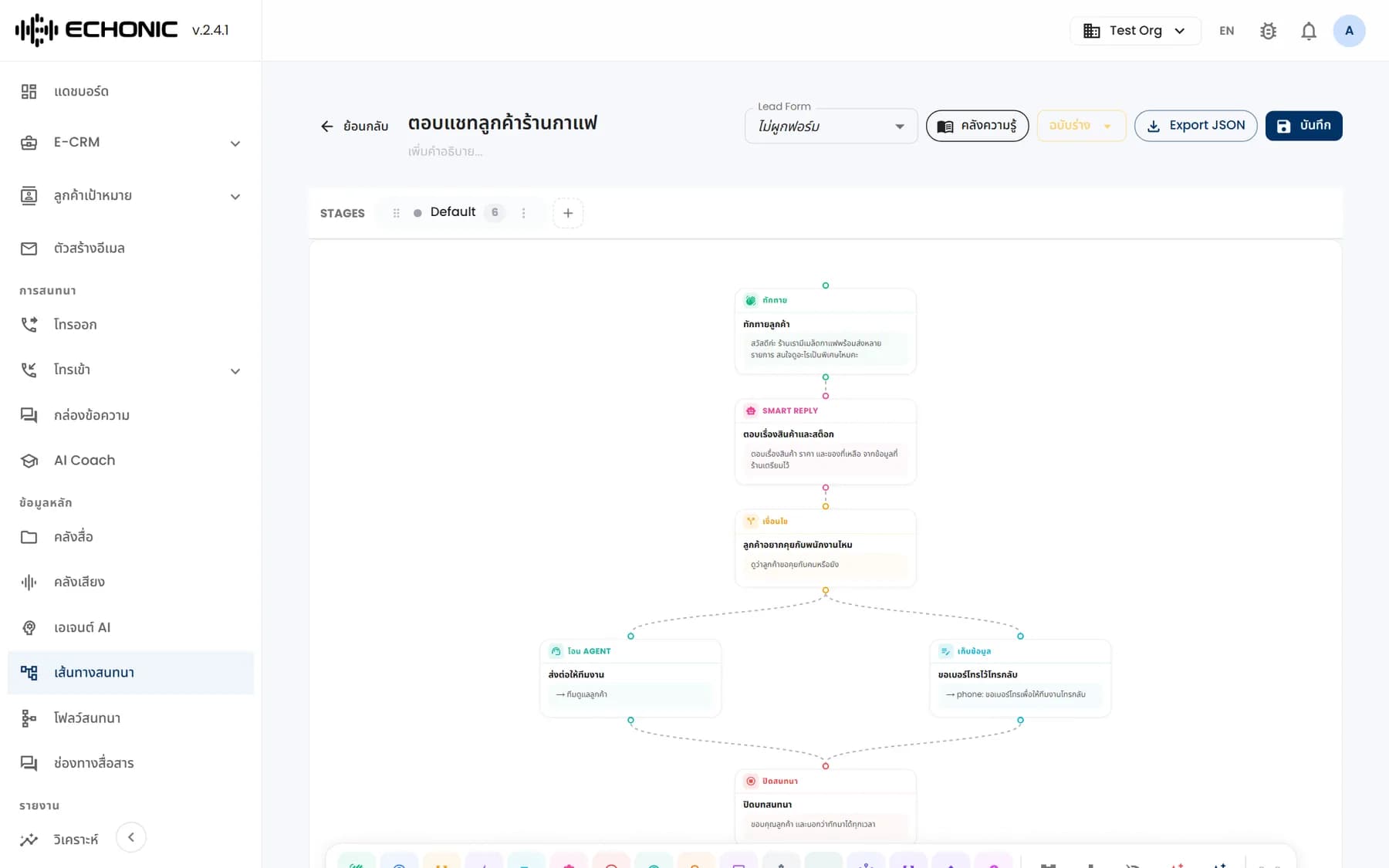
A customer asked something the bot could not answer, so the team adds a box for what the bot should ask or hand over next.
Decide what the bot says next
by connecting boxes
Each box is one step of the conversation. Connect the boxes into a path and the bot follows it.
- Greet the customer
- Answer freely from your own data
- Split the path on a condition
- Collect details, like a phone number
- Hand over to a person
- Call another system's API
A customer phones after closing time, and the voice bot picks up along the pathway you set.
Behind the scenes
Phone calls, in and out, with an AI voice
The AI answers inbound calls and makes outbound ones along the pathway you set. Choose the call language, Thai or English. During a call, a team lead can listen in and take over.
Answers from your own documents
Upload knowledge files and the AI answers from them. Questions it cannot answer are noted so your team can add the answer later.
Give the bot a face
Live2D and PNGTuber avatar channels are available. The mouth moves with the voice and the expression follows what is being said.
A few more things
worth knowing
Voices, chat channels, avatars, outbound lines and security.
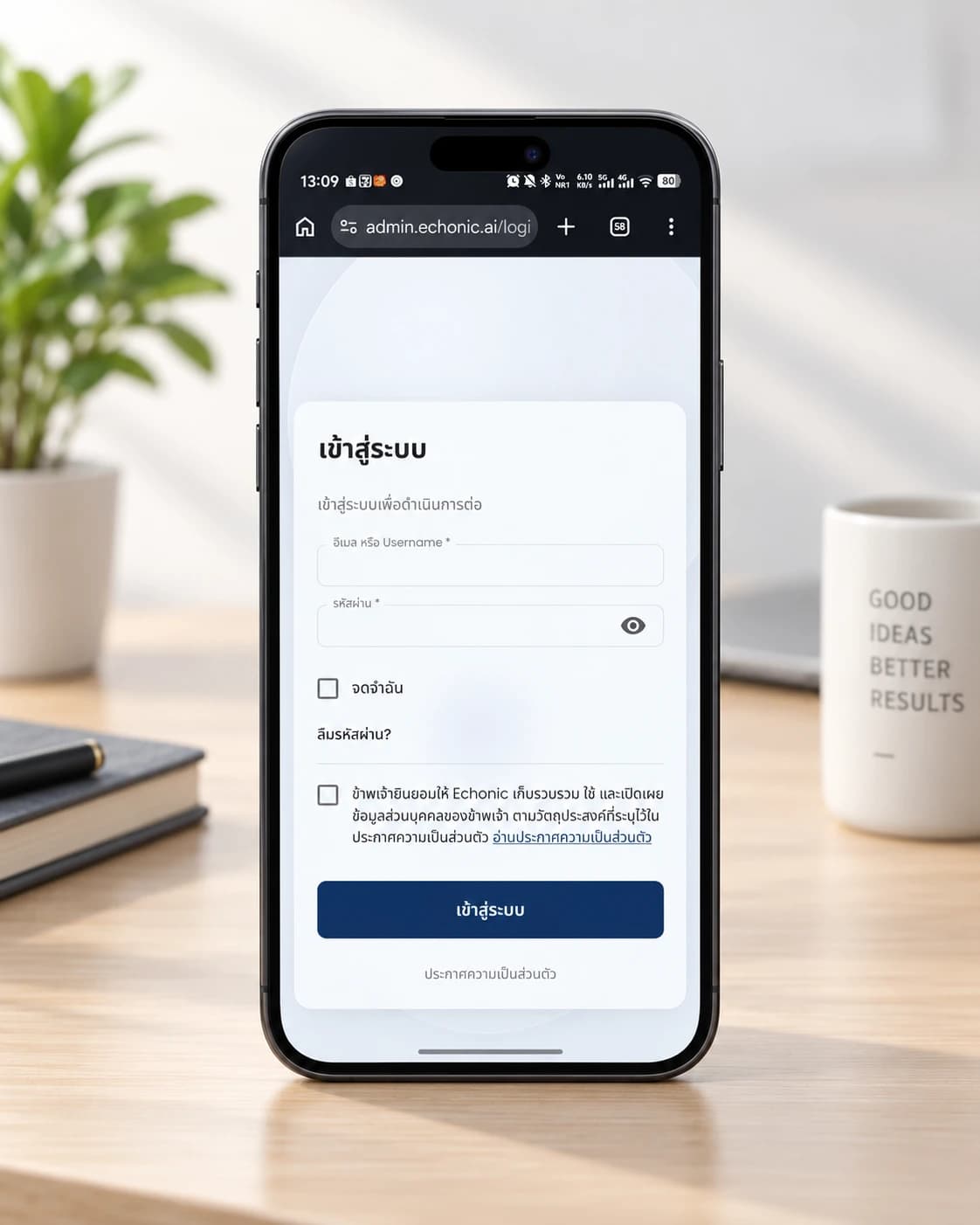
Works from your phone
The sign-in page on a phone has a checkbox to accept the privacy notice before you get in.
Pick the bot's voice
Choose a voice from the list the system offers, and play a sample before you use it.
One shared inbox
Take chats from LINE OA, Messenger, Shopee, Lazada, TikTok Shop and your website, and pass them between the AI and your team in the same chat.
An avatar on your website
Put a Live2D avatar on a page through a widget, so customers can talk to it right there.
Enterprise Security
SOC2 compliant infrastructure with PII redaction and encrypted streams.
Outbound calls over SIP or GSM
Set a project's outbound number and choose whether calls go out over a SIP or a GSM line.
Latest articles
Articles about voice bots and AI for business.
Let voice do the work.
Let sales grow.